FREE ONLINE ROOM PLANNER
Make room
for your ideas.
Move the sofa. Try a new layout.
See what fits before you move a thing.
The planning studio
A little planning. A better fit.Drag to move · Arrow keys to nudge · R to rotate
Select a piece to adjust its size, finish or direction.
Checking your layout
One rectangular room, 2–12 m per side. Up to 40 pieces. Allow for doors, windows and walking space. Check real measurements before buying.
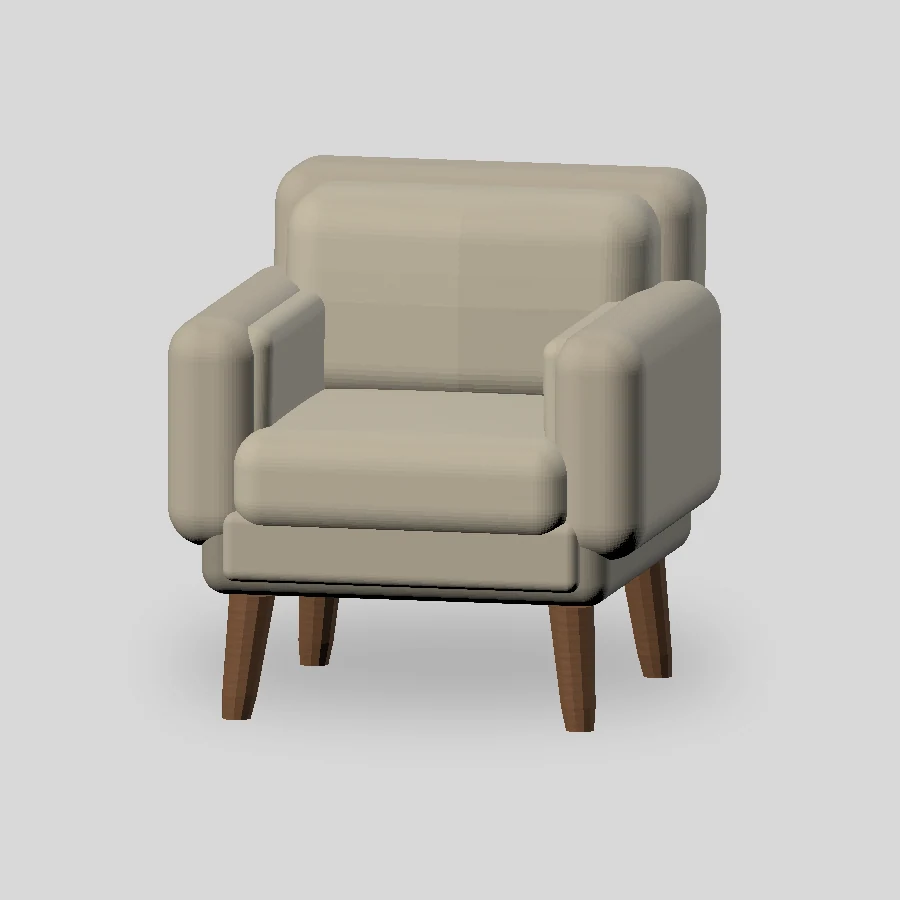
LAYOUT HERE. NEW LOOK IN THE APP.
Found the fit?
Now imagine the feeling.
Explore AI redesign ideas from a photo of your room in our separate iPhone app. Your web plan does not transfer.
Includes in-app purchases.
AI redesign is not in this web planner.
Is this room planner free?
Yes. The 2D planner, furniture collection, real 3D preview and SVG download are free, with no account. The separate iPhone app includes in-app purchases.
How do the layout starters work?
Three deterministic starting arrangements adapt to your room size and type. They are not AI-generated or professionally optimized. Check overlaps, doorways and walking clearances yourself.
Can I design a room in 3D?
Switch to 3D preview to see your arrangement with real furniture models. It needs WebGL support. Make changes in 2D; the preview updates to match. The 2D planner works even if 3D is unavailable.
Where is my room plan saved?
Open My plan and choose Save on this device. The editable plan stays in this browser, not on a server. Clearing browser data removes it. An SVG download is a visual reference, not a restore file.